Quick Tip: How to get a quick Pop-up on a control which holds a detailed information than its size on screen in PowerApps
Hi Everyone,
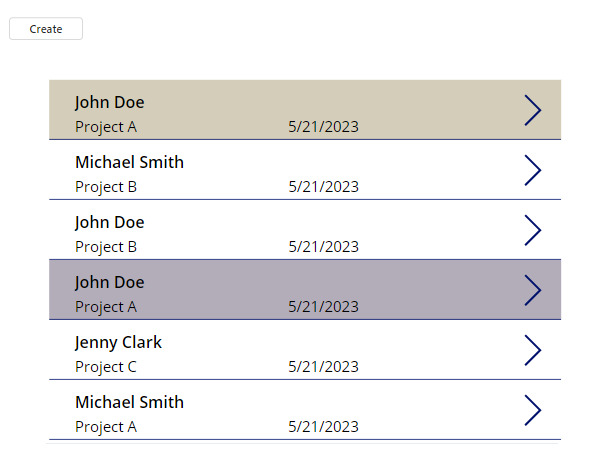
Isn’t it annoying that you have a text field in your Canvas App which holds a huge information to fit in a small space?
There’s a quick solution which you can use to show a mini pop-up by an out-of-the-box feature.
Let’s consider an example of where we have a paragraph in a text field then we have output is to be displayed with a limited height and width on the screen.
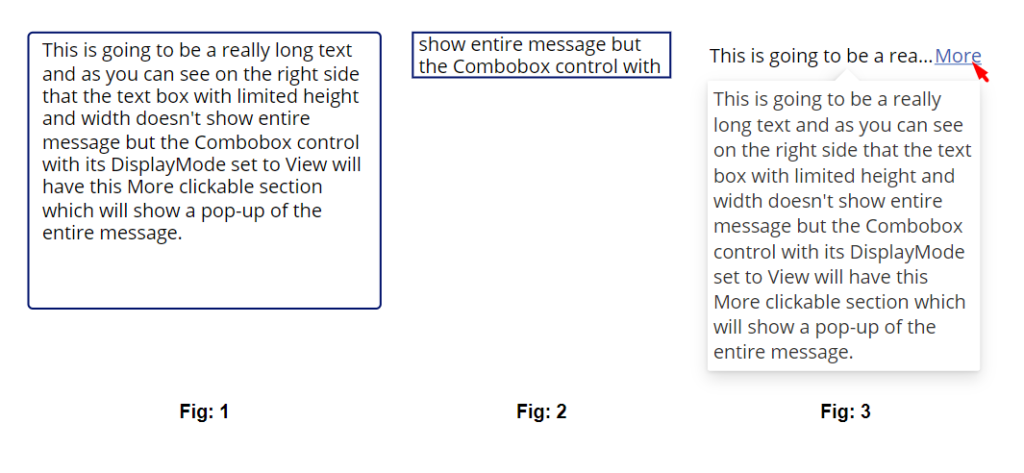
Fig 1: This is a TextInput control where we have a detailed information.
Fig 2: This is a normal label/text field control which has limited height and width. (Especially in scenarios like gallery records)
Fig 3: This is a ComboBox control with DisplayMode set to View and the DefaultSelectedItems property is set as [TextInput.Text]
We can see that when having more data, we can click more and see the entire information.
Hope this quick tip helped you in your scenario.
Related posts:

All-in-One Guide to C# Plugin Data Types: Working with Strings, Currency, Lookups, and More

Integrating Azure Logic Apps with Common Data Service
How to Fix the error ‘’isGlobal information provided True doesn’t match the value stored in DB False...