

Save standardized PDF documents from D365 Sales into Microsoft SharePoint Released in Wave 1 2020
Introduction :
This Blog will explain about Saving PDF documents directly to SharePoint in a Single Click and this is available for entities listed below only
- Account
- Contact
- Opportunity
- Lead
- Quote
- Order
- Invoice
Steps to enable Entities for PDF generation:
Note : Before starting make sure wave 1 2020 feature is enable in Sandbox.
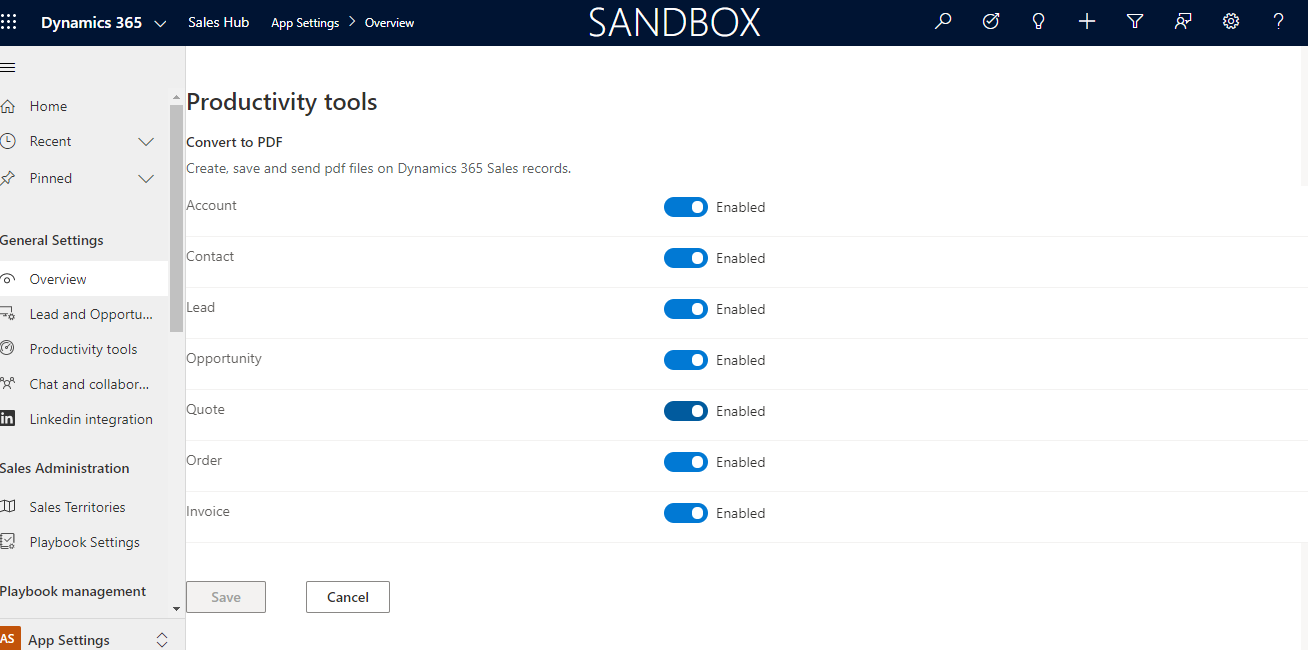
- Go to Sales hub -> App settings -> and Convert to PDF.

2. Click on Manage -> Enable entities and save.
PDF Creation:
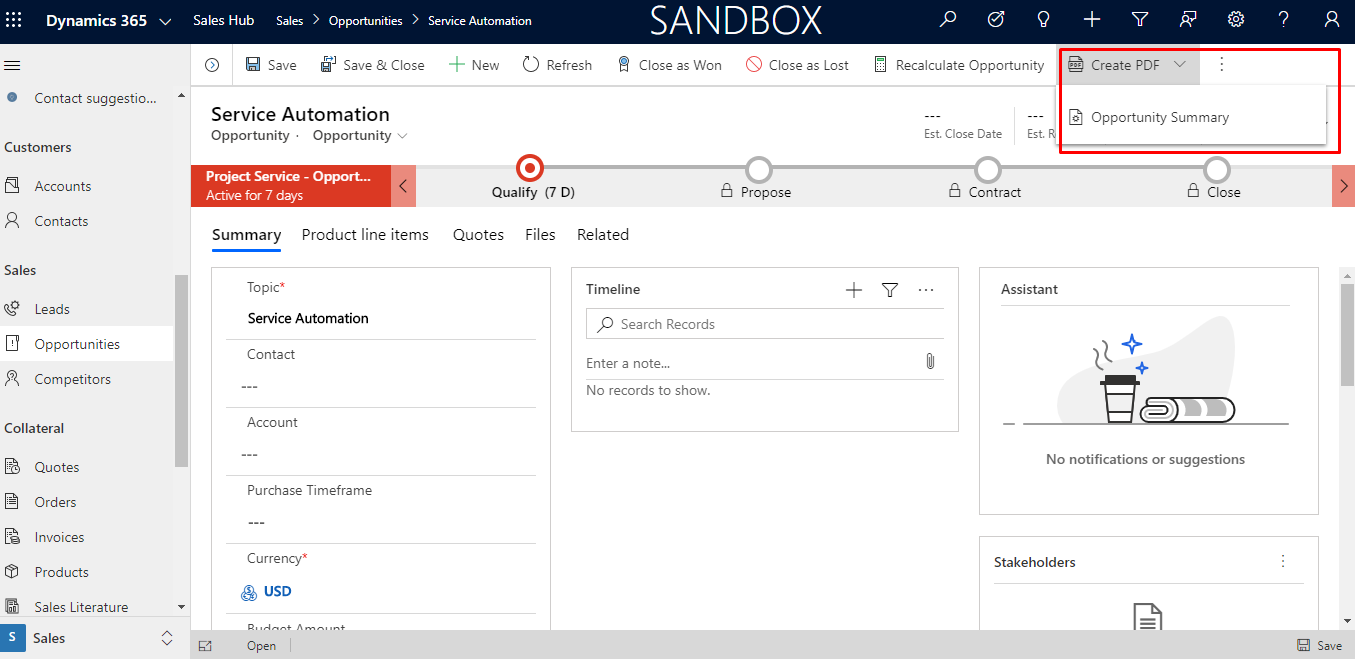
- Once we have enabled entities, “Create PDF” button will be enabled as shown below :
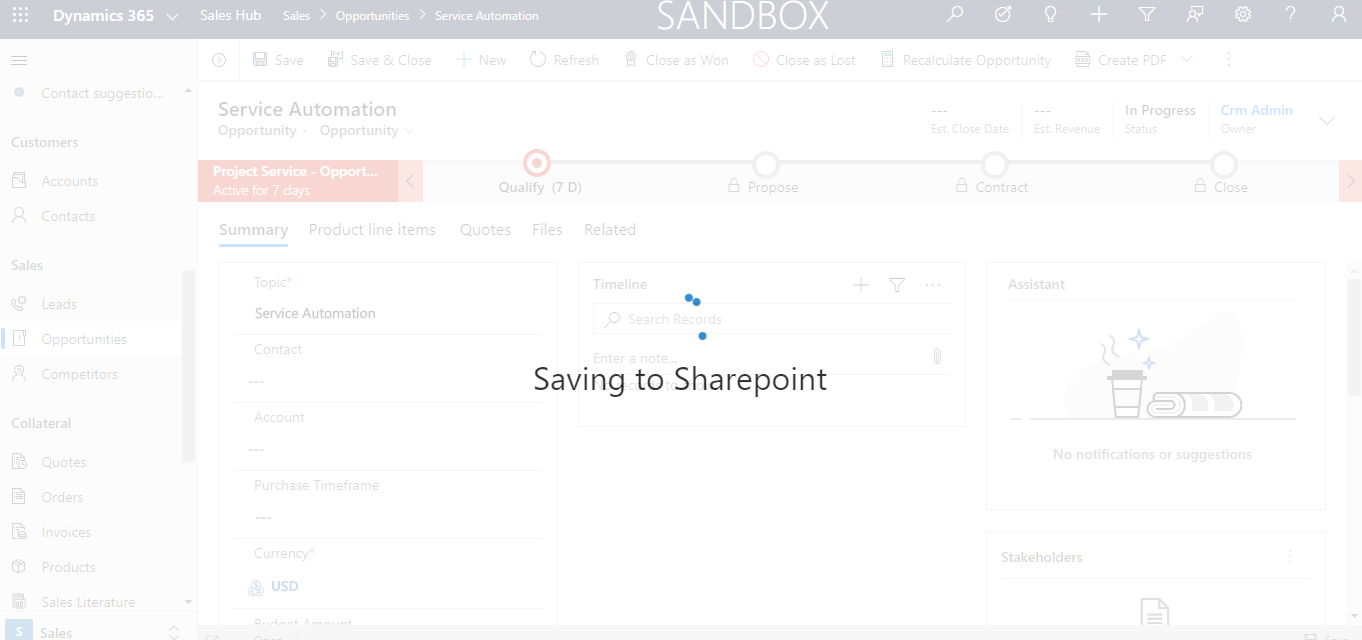
2. When you click on Document , option will be shown to save the document in SharePoint.

If we want to save the Document , Click on Save.
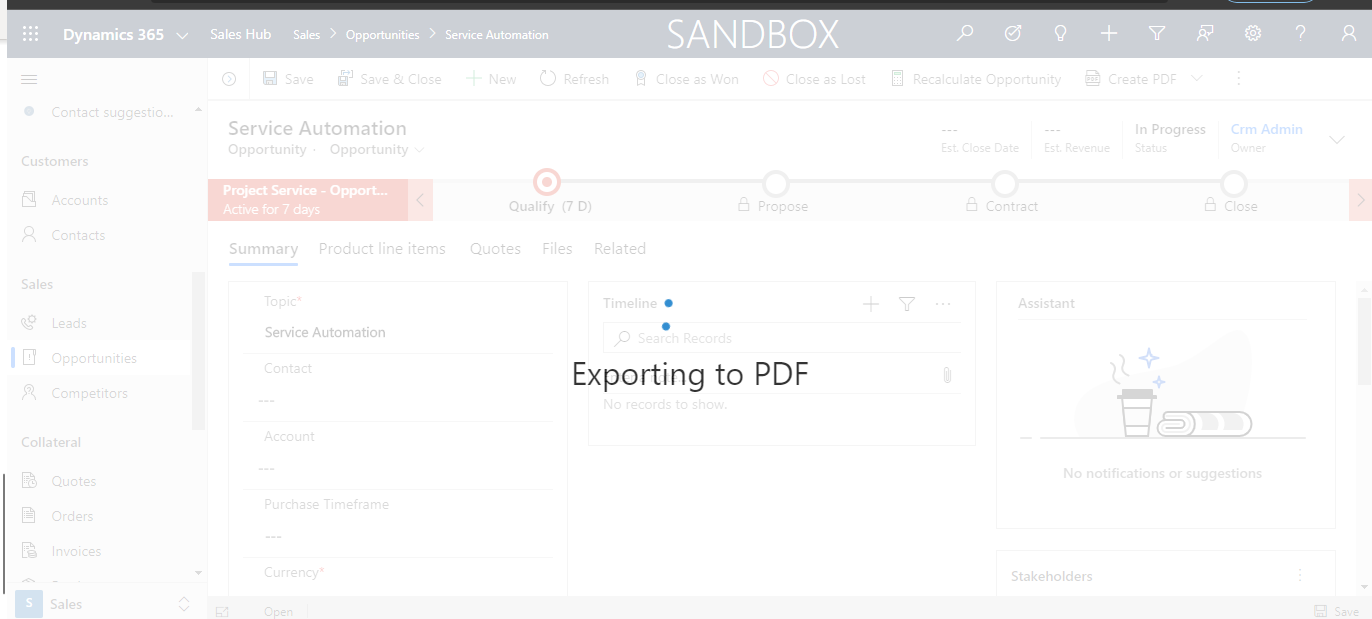
Else Document will be downloaded.
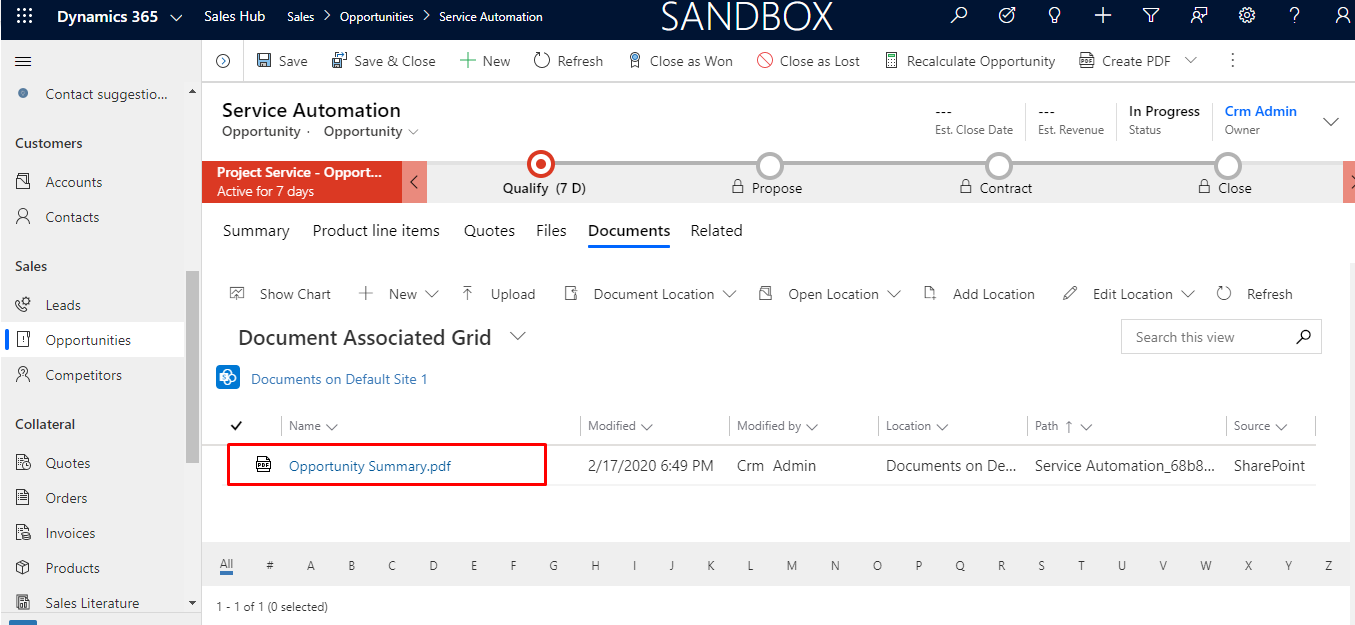
3. We can view the saved Document by browsing to Related>>Documents in Dynamic CRM.
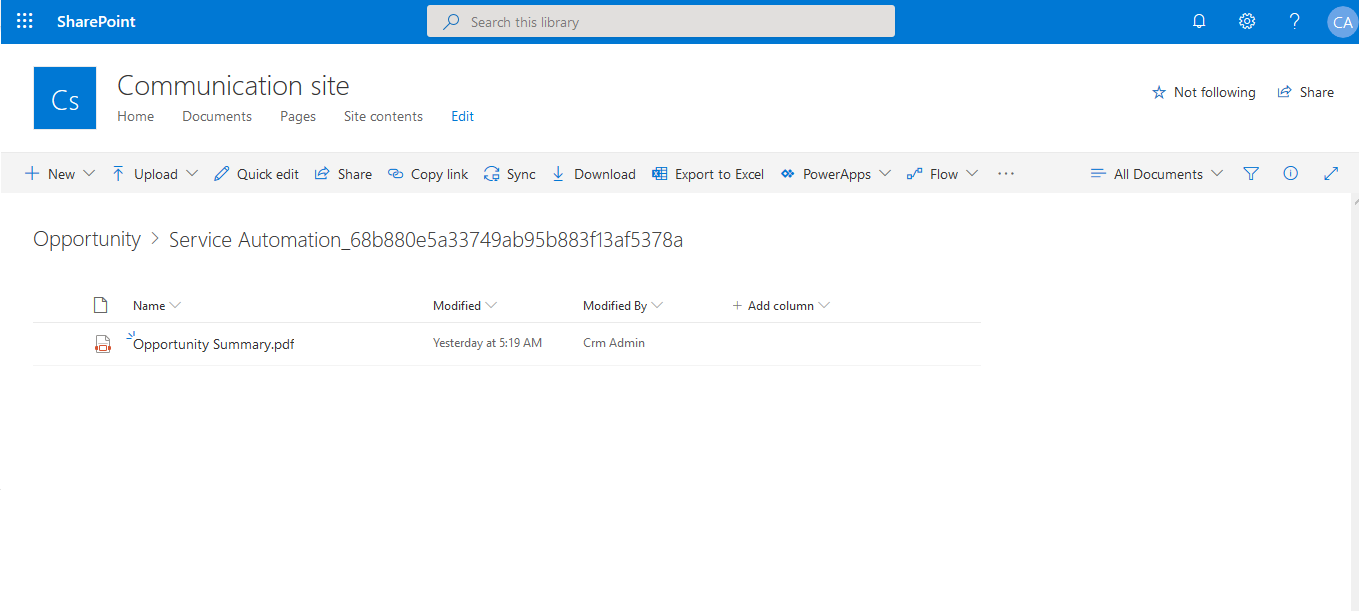
Also we can view the Documents in the SharePoint.
Conclusion : This feature will be helpful for Sales Team to increase Productivity.
Related posts:

Resolving SSL/TLS Secure Channel Trust Errors in Dynamics 365 Finance and Operations

How to change a Bill of material (BOM) item on a production order

How to Set Up a Local Development Environment for D365 Finance and Operations Without Azure Costs
![Shopify Meets Dynamics 365 Finance and Operations: A Guide to Integration [Part 2]](https://www.cloudfronts.in/wp-content/uploads/2024/12/DALL·E-2024-12-14-12.29.44-A-professional-illustration-depicting-the-integration-between-Shopify-and-Dynamics-365-Finance-and-Operations.-The-image-shows-Shopify-on-one-side-wit-150x150.webp)
