

Enable IIS to deploy Web Service
Introduction:
In this blog, we will have a look on how IIS can be enabled for Web Service Deployment
Steps to be followed:
1) Search for Windows features in your PC.
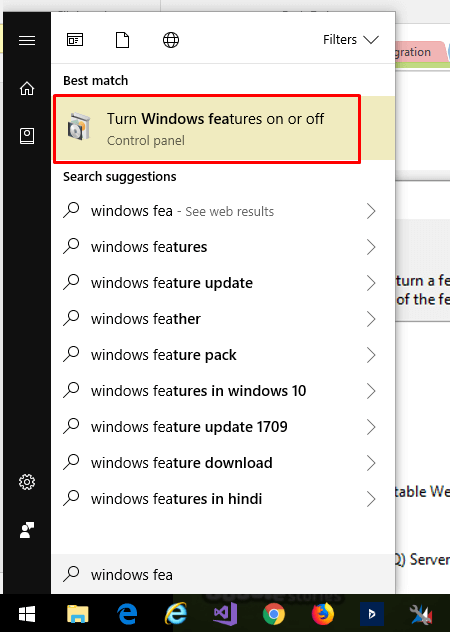
2) Check the box for Internet Information Services and click OK.

A confirmation screen appears.

Sometimes there are cases after the above procedure that it does not works.
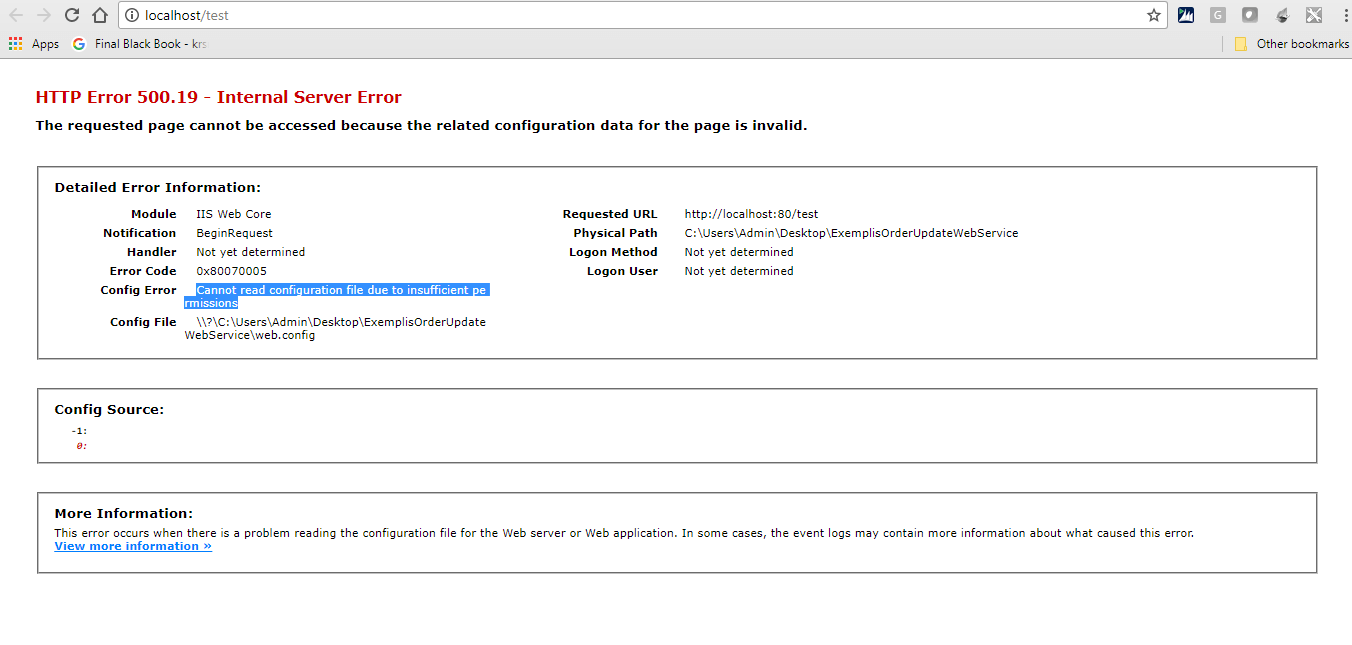
At such times, check all the options in windows features under IIS.

Related posts:

Resolving SSL/TLS Secure Channel Trust Errors in Dynamics 365 Finance and Operations

How to change a Bill of material (BOM) item on a production order
![Shopify Meets Dynamics 365 Finance and Operations: A Guide to Integration [Part 2]](https://www.cloudfronts.in/wp-content/uploads/2024/12/DALL·E-2024-12-14-12.29.44-A-professional-illustration-depicting-the-integration-between-Shopify-and-Dynamics-365-Finance-and-Operations.-The-image-shows-Shopify-on-one-side-wit-150x150.webp)
Shopify Meets Dynamics 365 Finance and Operations: A Guide to Integration [Part 2]
