

Steps to configure Power BI Gateway
Introduction:
In this article, we will learn how to configure Power BI Gateway.
Steps to configure Gateway
- Login to Power BI service.
- Select Downloads icon> Data Gateway.

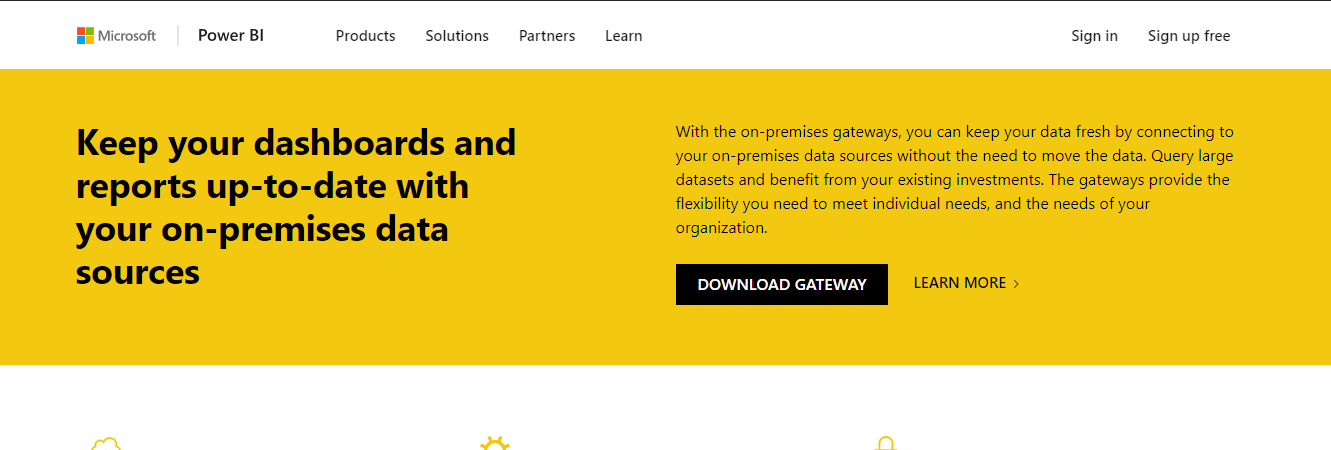
- You will be redirected to Power BI Gateway Download Page and click Download Gateway.
- Run the PowerBIGatewayInstaller.

- Click Next and then Install.
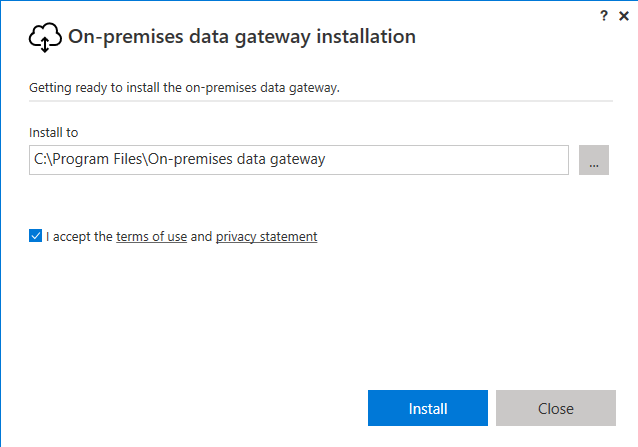
- The Power BI Gateway will be Installed.

- Sign to Power BI.

- Give the Gateway a Name and Recovery Key and Click Configure.

- Now, we are all set.

Related posts:

Resolving SSL/TLS Secure Channel Trust Errors in Dynamics 365 Finance and Operations

How to change a Bill of material (BOM) item on a production order
![Shopify Meets Dynamics 365 Finance and Operations: A Guide to Integration [Part 2]](https://www.cloudfronts.in/wp-content/uploads/2024/12/DALL·E-2024-12-14-12.29.44-A-professional-illustration-depicting-the-integration-between-Shopify-and-Dynamics-365-Finance-and-Operations.-The-image-shows-Shopify-on-one-side-wit-150x150.webp)
Shopify Meets Dynamics 365 Finance and Operations: A Guide to Integration [Part 2]
