

Sending Email from Admin on behalf of sender in Business Central using MS Flows
Introduction:
In Business Central, to send an Email the sender Email is always the user in SMTP Setup. But, what happens when you are sending email from <admin@yourorganization.com> but should be going department wise ie. <sales@yourorganization.com> and <marketing@yourorganization.com>. Thus in this blog I’ll be showing how to send email from the department email using the admin email.
Pre-requisite:
1. VS Code.
2. Office 365.
3. Microsoft Dynamics Business Central.
4. MS Flows.
Demonstration:
1. Setting Up MS Flows:
- Creating the HTTP request:

- Using Sample Payload as :
[{ "sender":"Test Sender", "recepient":"Test recepient", "subject":"Test Subject", "body":"Test body" }] -
Add the Send an Email action:

- Save the MS Flow and copy the trigger URL in Postman and passing JSON, check if you the email.

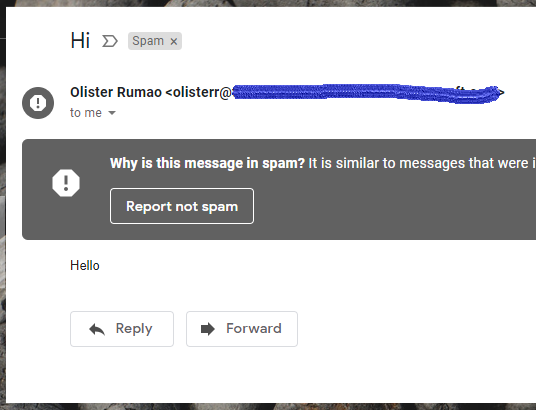
- Check mail box for delivery of Email

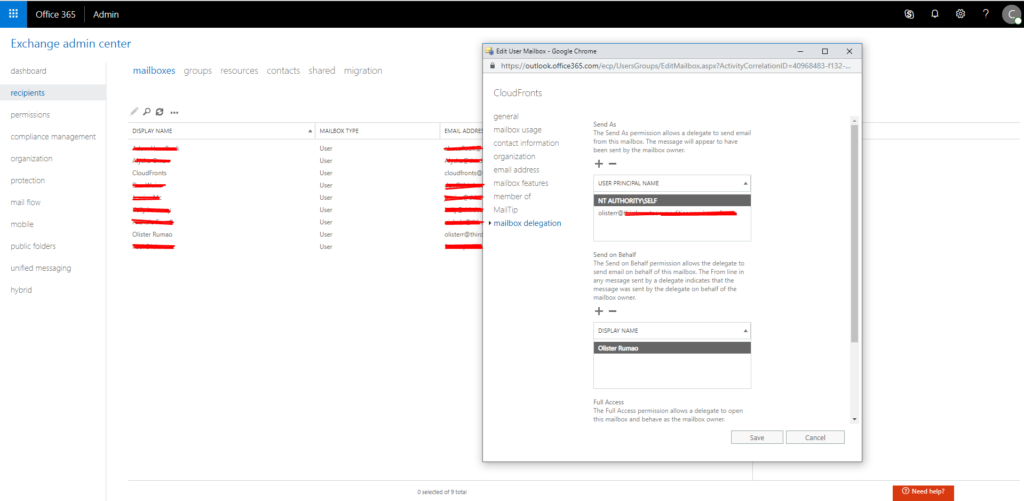
2. Enable email delegation in Office 365.
In portal.office.com, navigate to Admin > Admin Center > Exchange > Mail boxes > <–Admin Email–> > Delegate
Add you department email here. In this cas Cloudfronts@xyz.com is admin email and olisterr@xyz.com is department email.
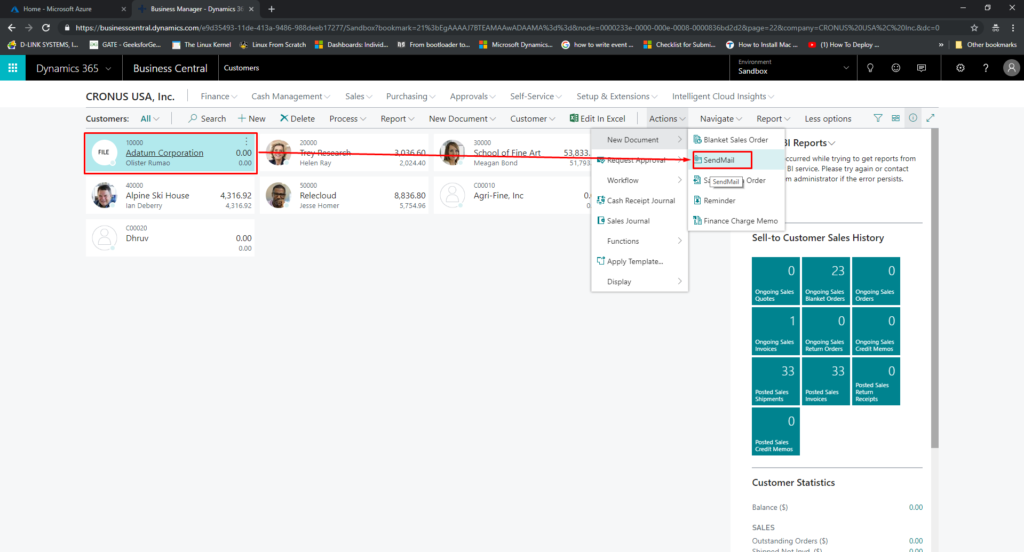
3. Call the MS Flows from Business Central.
Code:

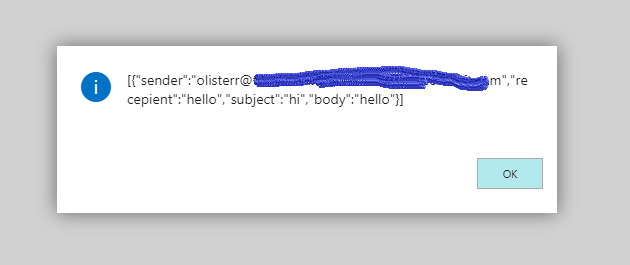
4. Output
Conclusion:
Thus in this way we can use MS Flows Webhooks to actually trigger an email passing the data through JSON as an POST http request.
Related posts:

Resolving SSL/TLS Secure Channel Trust Errors in Dynamics 365 Finance and Operations

How to change a Bill of material (BOM) item on a production order
![Shopify Meets Dynamics 365 Finance and Operations: A Guide to Integration [Part 2]](https://www.cloudfronts.in/wp-content/uploads/2024/12/DALL·E-2024-12-14-12.29.44-A-professional-illustration-depicting-the-integration-between-Shopify-and-Dynamics-365-Finance-and-Operations.-The-image-shows-Shopify-on-one-side-wit-150x150.webp)
Shopify Meets Dynamics 365 Finance and Operations: A Guide to Integration [Part 2]
