

Difference in configuration of Role Center between NAV and Business Central.
Introduction:
Difference in configuration of Role Center between Microsoft Dynamics NAV and Microsoft Dynamics 365 Business Central.
Pre-requisites:
- Microsoft Dynamics NAV
- Microsoft Dynamics Business Central
Solution:
In Microsoft Dynamics NAV After creation of Role Center. When assigning the Role Center Page to the User the following process is followed.
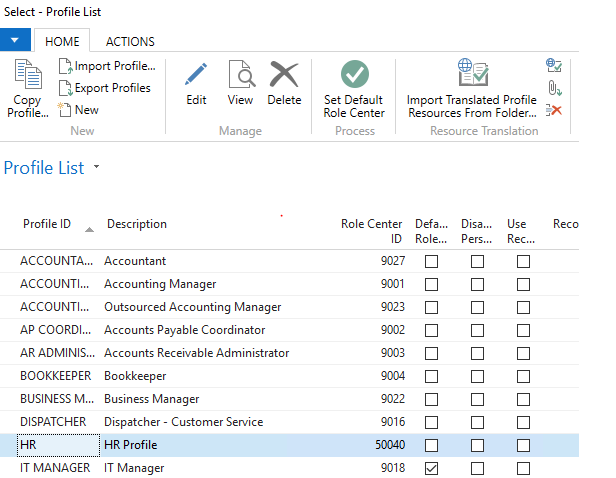
1. Creating a new Profile in NAV for the and assign the Role Center Page ID .
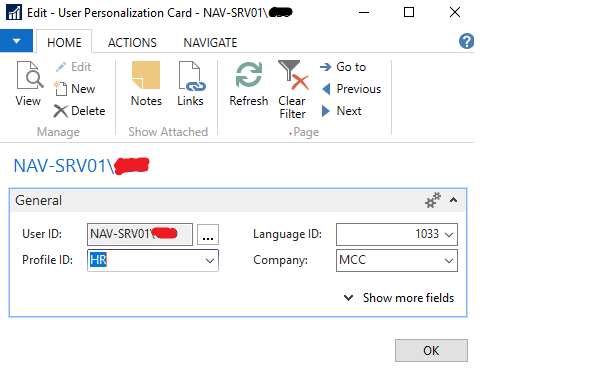
2. Assigning the User Profile in User Personalization.
In Microsoft Dynamics Business Central:
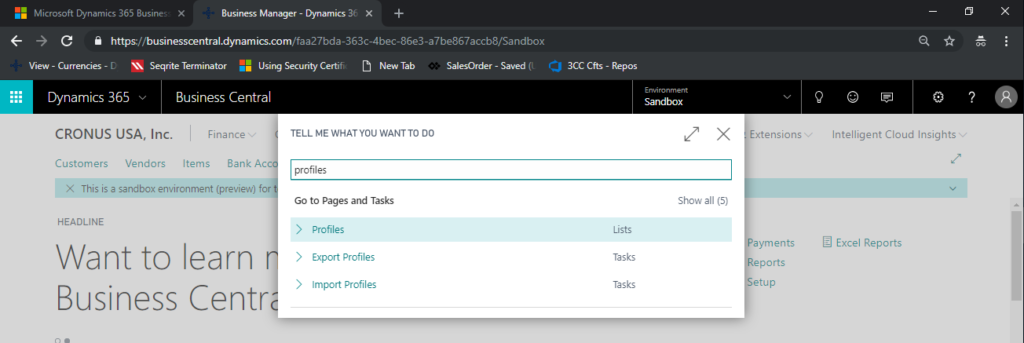
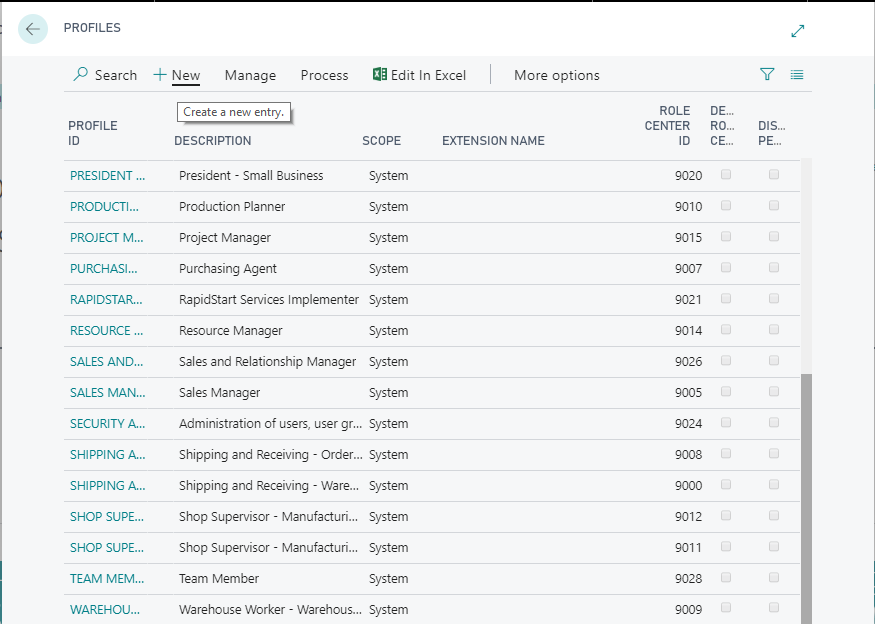
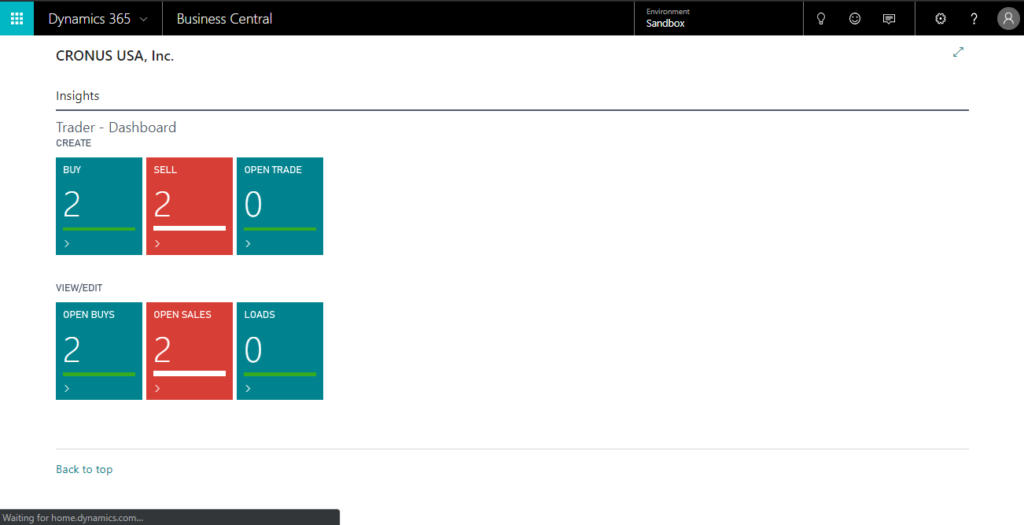
1. Creating a new Profile in Business Central for the required Role Center and assign the Role Center Page ID.
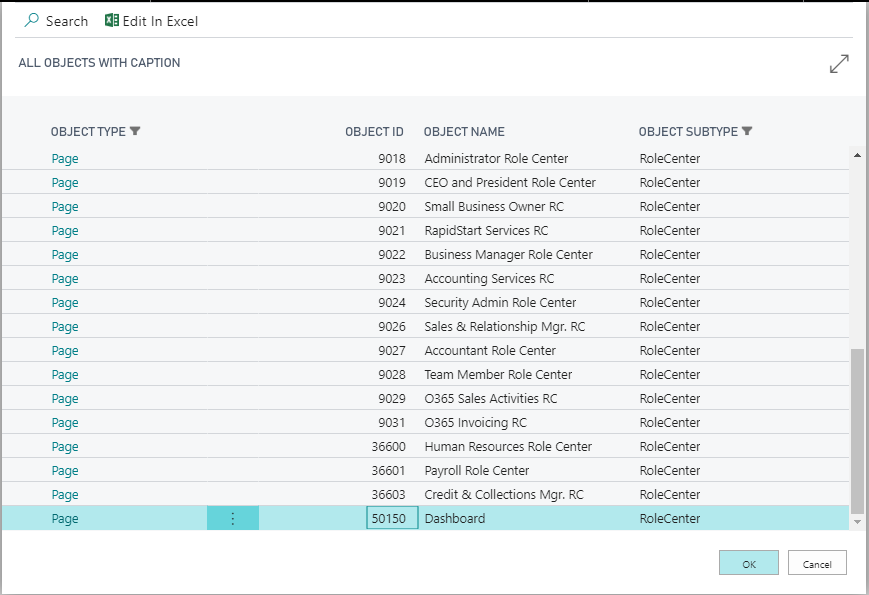
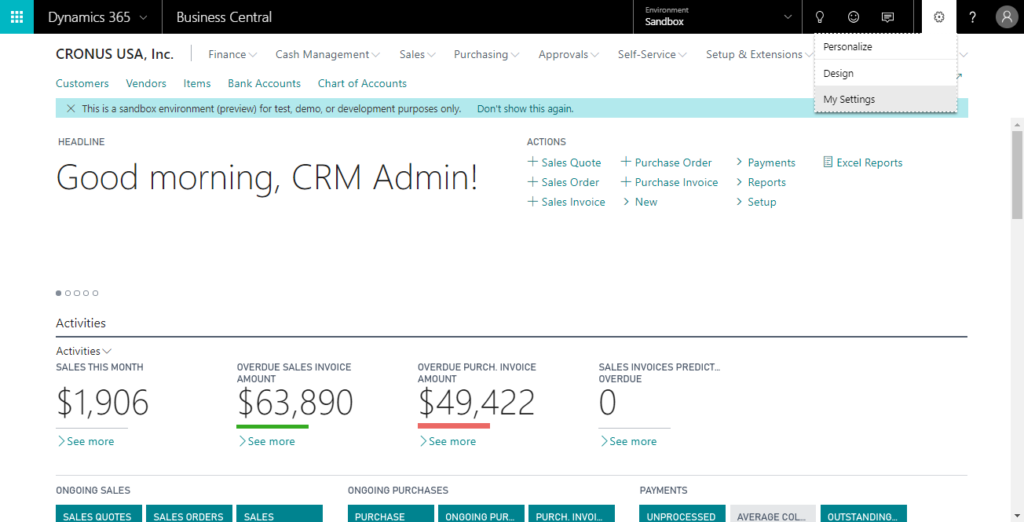
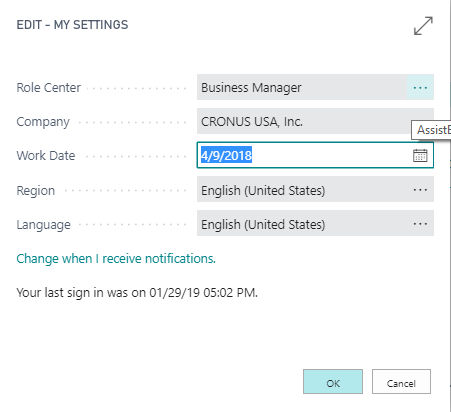
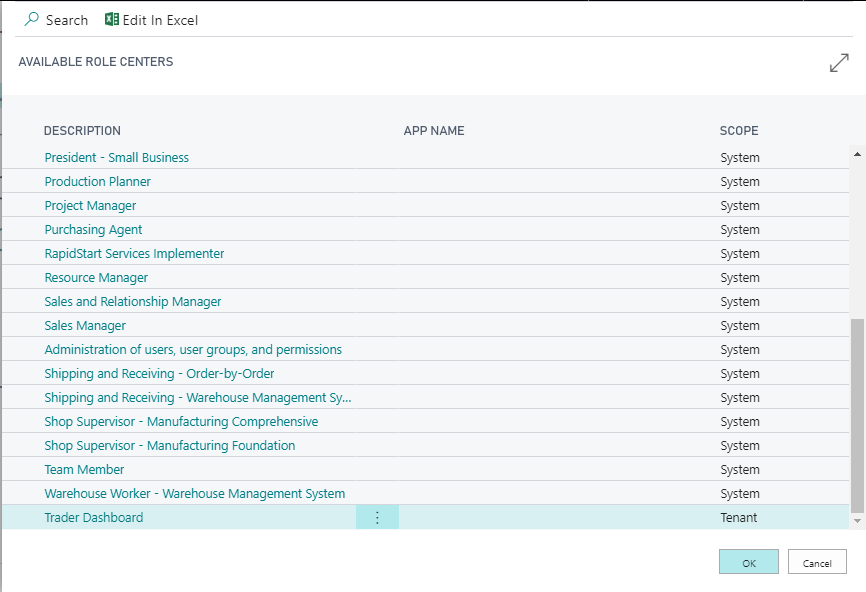
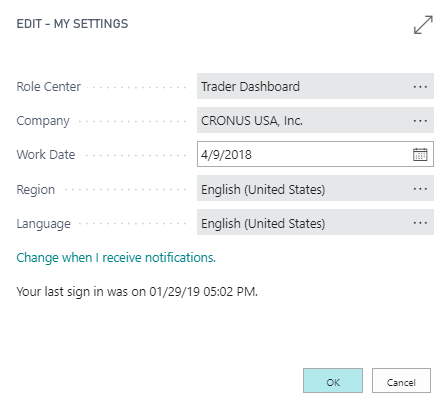
2. Selecting the User Profile directly in the Settings.
Conclusion:
This is the difference when configuring Role Center Page in NAV and Business Central
Related posts:

Resolving SSL/TLS Secure Channel Trust Errors in Dynamics 365 Finance and Operations

How to change a Bill of material (BOM) item on a production order

Shopify Meets Dynamics 365 Finance and Operations: A Guide to Integration [Part 2]