

Azure setup using Office 365
In this blog we walk-through how to setup Azure using Office 365.
Pre-Requisite
- Office 365 administrator account.
Steps
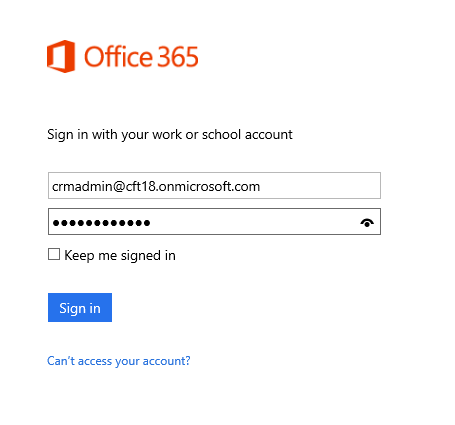
1. Login to Office 365 portal.
Navigate to https://portal.office.com
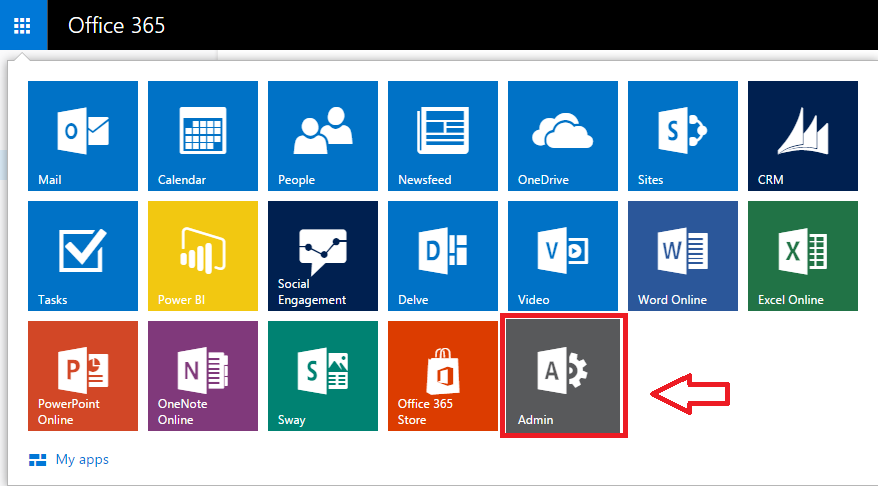
2. Click on Admin Button
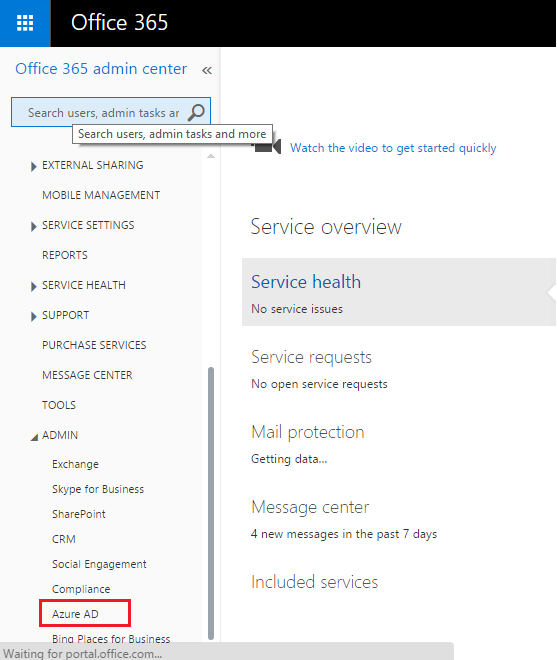
3. Click on Azure AD to setup Azure. This will link your Azure AD to Organization account.
Note:
- Don’t use admin account to setup Azure AD, instate of that you can use client account.
- Once Azure AD is setup, Account administrator cannot be changed.
- Fill required details to setup Free Azure Trial Account.
Note: Credit card is required for Azure Sign-Up.
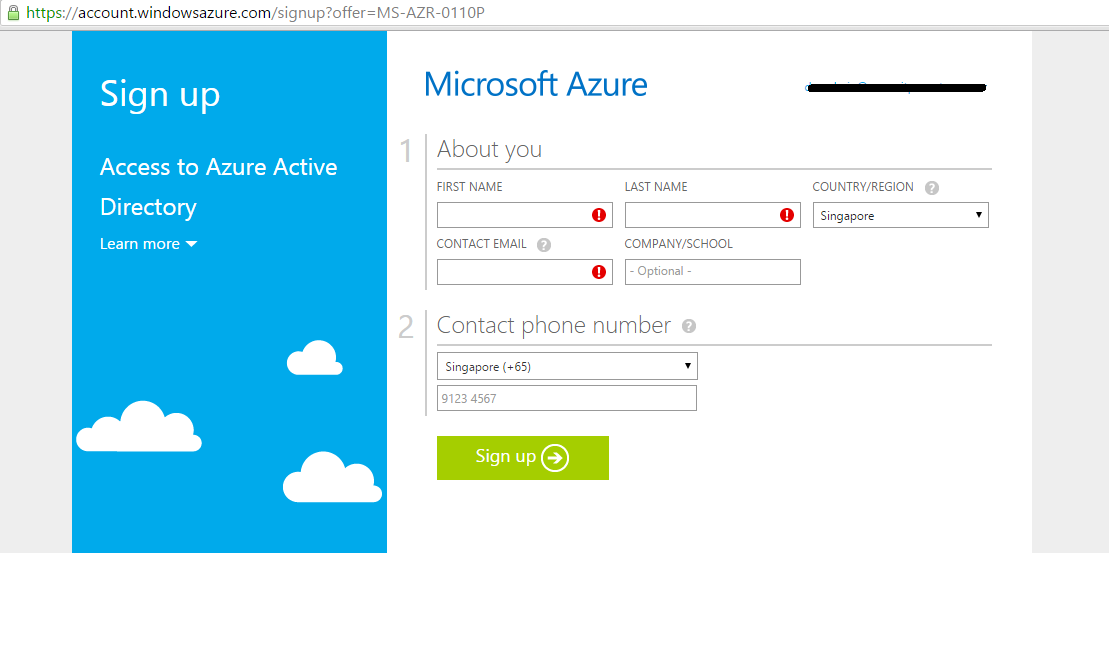
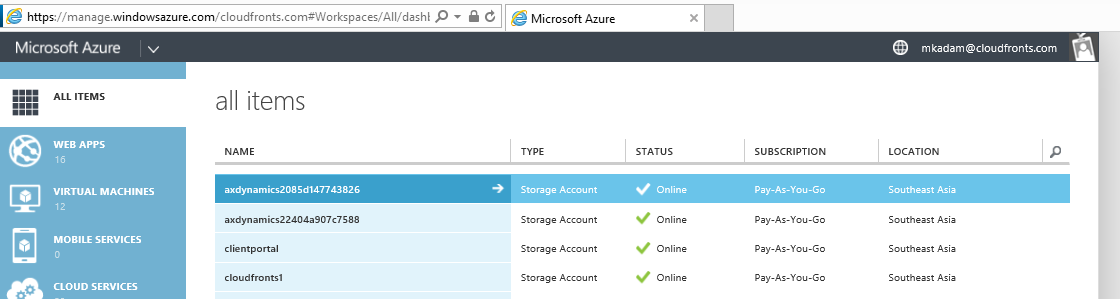
- After sign-up process is completed , navigate to https://manage.windowsazure.com to access Windows Azure.
Related posts:

Resolving SSL/TLS Secure Channel Trust Errors in Dynamics 365 Finance and Operations

How to change a Bill of material (BOM) item on a production order
![Shopify Meets Dynamics 365 Finance and Operations: A Guide to Integration [Part 2]](https://www.cloudfronts.in/wp-content/uploads/2024/12/DALL·E-2024-12-14-12.29.44-A-professional-illustration-depicting-the-integration-between-Shopify-and-Dynamics-365-Finance-and-Operations.-The-image-shows-Shopify-on-one-side-wit-150x150.webp)
Shopify Meets Dynamics 365 Finance and Operations: A Guide to Integration [Part 2]
